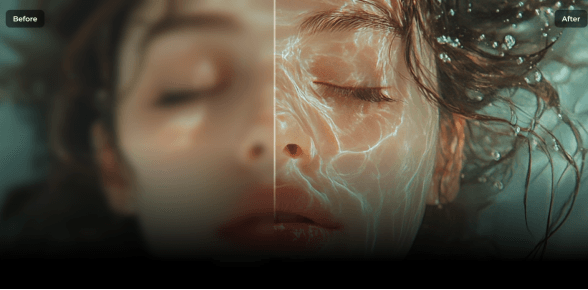
We’ve all taken photos that didn’t turn out right; blurry, noisy, or washed out. A great picture can quickly lose its charm if it looks low quality. Thankfully, modern tech has changed the game. Today’s ai photo editor tools don’t just sharpen edges.
They use deep learning to study your image, predict missing details, and rebuild them so results look natural. That means you can fix a shaky hand, brighten a dark scene, or even restore an old memory with just a few clicks.
In this guide, we’ll look at the best AI editors in 2025 and share why HitPaw FotorPea is our top pick. Read on to learn more.
Part 1: What an AI Photo Editor Actually Does
So, what makes the best ai photo editor different from older tools? Traditional photo software sharpened edges or boosted contrast. It helped a little but often made photos look fake. AI works smarter. It compares your photo to patterns it has “learned” from millions of examples. Then it predicts what sharp detail, smooth skin, or balanced colors should look like.
Here’s what AI photo editors can do:
- Sharpen faces, fabric, and fine edges
- Clean grainy night or concert shots
- Add color to old black-and-white photos
- Repair scratches or faded spots on vintage prints
- Upscale images for prints without losing quality
When an image that is very blurred does not always have a chance to save everything. However, AI can enhance picture smoothness, sharpness and color within a short time.
Part 2: Top AI Photo Editors in 2025
When it comes to choosing a photo editor AI, not all tools are the same. Some are designed to be accurate, others creative and some to be fast social edits. The top 6 tools in 2025 are listed below and each has features, benefits and limitations so you can know what to expect.
1. HitPaw FotorPea (Top Pick)
Platform: Windows, macOS, Online, Android, iOS
Best For: Newbies and experts who desire the convenience of one-click performance with professional features.
Key Features:
- One-click AI Enhancement to restore clarity and upscale up to 4×
- Multiple AI Models: Face, Denoise, Colorize, Blur Repair, General/Upscale
- Old-photo restoration with scratch repair and color revival
- Ultra-resolution upscaling for 4K and 8K prints
- Creative tools like background remover, face swap, anime upscaler, ID photo maker
- Simple 3-step workflow (upload → choose model → preview/export)
Pros:
- Delivers natural results, not over-processed
- Very easy to use, even for beginners
- Frequent updates to improve accuracy
- Works across many types of photos (portraits, landscapes, old images)
Cons:
- Free version is limited
- High-resolution exports require subscription
How-To:
- Upload your photo
- Select a model (Face, Blur Repair, or General)
- Preview the result
- Export the finished image
HitPaw FotorPea goes beyond unblurring. It’s a complete toolkit for photo repair, creative projects, and pro-grade printing making it our top choice.
2. Adobe Photoshop (Neural/AI Features)
Platform: Windows, macOS
Best For: Designers who want total manual control
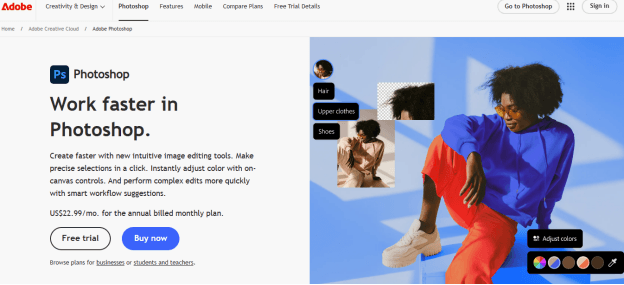
Key Features:
- Neural Filters for smart retouching
- Super Resolution for enlarging images
- Content-aware fill for removing objects
- Layer-based editing for precision work
Pros:
- Industry standard for pros
- Deep, detailed adjustments
- Wide plugin and community support
Cons:
- Expensive subscription model
- Steep learning curve for new users
How-To:
- Open your photo in Photoshop
- Apply Neural Filters or Super Resolution
- Use Smart Sharpen and Reduce Noise tools
- Save and export the final version
3. Topaz Photo AI:
Platform: Windows, macOS
Best For: Photographers who need clean and fine detail effects.
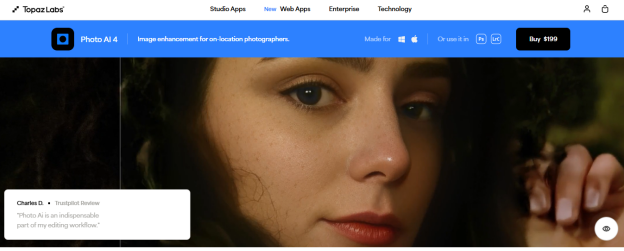
Key Features:
- AI-powered detection of blur and noise
- Face recovery tools for portraits
- Smart upscaling up to 600%
- Batch processing for multiple files
Pros:
- Excellent at recovering fine detail
- Great noise reduction
- Works as a standalone or plugin for Lightroom/Photoshop
Cons:
- Requires strong hardware
- Paid license only, no free tier
How-To:
- Load your photo into the app
- Let Auto-Analyze detect issues
- Adjust sliders for sharpness and noise
- Save your enhanced image
4. Luminar Neo
Platform: Windows, macOS
Best For: Creators who want fast, creative edits
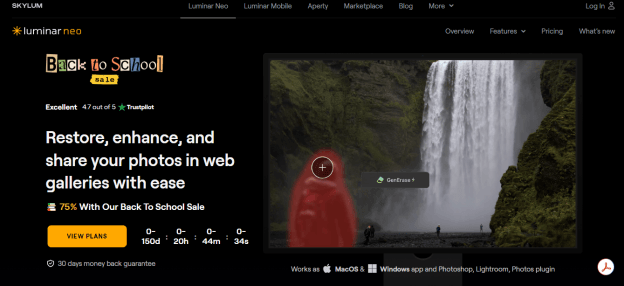
Key Features:
- AI Enhance for quick overall improvements
- Relight AI to balance lighting in photos
- Portrait Bokeh and Skin tools for faces
- AI sky replacement and background swaps
Pros:
- Fast edits with creative flair
- User-friendly interface
- Wide variety of AI-powered tools
Cons:
- Some results can look stylized
- Slower export times on older computers
How-To:
- Import your image
- Apply AI Enhance or Portrait tools
- Adjust sliders for lighting or skin
- Export your final image
5. Canva
Platform: Web, iOS, Android, desktop app
Best For: Social media creators and quick marketing edits
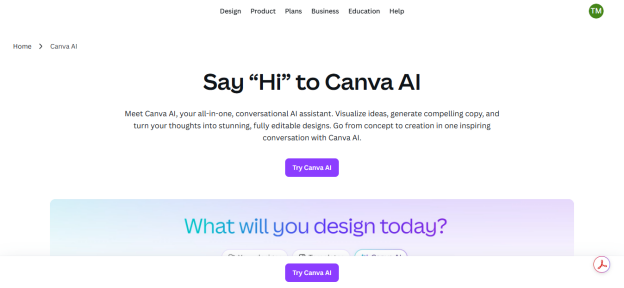
Key Features:
- Magic Edit for smart object changes
- AI background remover for clean layouts
- Thousands of templates and filters
- Simple drag-and-drop interface
Pros:
- Very beginner-friendly
- Great for social content and graphics
- Includes free features with paid Pro upgrades
Cons:
- Limited fine detail recovery
- Internet connection required
How-To:
- Upload your photo
- Apply Magic Edit or background remover
- Add text, templates, or filters
- Download and share
Read More:
6. Pixlr
Platform: Web, iOS, Android
Best For: Free and fast online photo fixes
Key Features:
- AI Auto-Retouch for instant cleanup
- Background removal with one click
- Filters and overlays for quick style changes
- Lightweight browser-based editor
Pros:
- Free to use with basic features
- Very quick and accessible
- Mobile apps available
Cons:
- Ads on the free plan
- Limited pro-level tools
How-To:
- Open the photo in Pixlr’s web app
- Use AI Auto Enhance or background remover
- Add filters or overlays as needed
- Export your edited photo
Part 3: How to Choose the Right Tool
So, how do you pick the right photo AI editor? It comes down to your needs:
- Purpose: Family memories or social posts or pro projects?
- Convenience: Would you prefer one- click repairs or complete control?
- Budget: The Free is usable casually whereas the pro tools provide high-quality results.
- Output needs: Quick online sharing or 4K+ print quality?
- Workflow: Do you prefer cloud speed or local editing privacy?
Why HitPaw FotorPea stands out:
It’s an all-in-one solution with adaptive AI models that fit portraits, landscapes, old photos, and even anime art. Results look natural, not over-edited. The workflow is simple: upload, pick a model, preview, and export so anyone can use it.
Beyond that, it is unique, with extras such as Passport Photo Maker, Anime Upscaler, and AI Portrait Generator. It is faster, more powerful and simpler than any of the alternatives because its updates are frequent and constantly enhance the quality.
Conclusion:
AI photo editing has made fixing images faster and smarter than ever. From Photoshop to Canva, there’s a tool for every type of user. But if you want one editor that blends easy workflow, pro-level results, and creative extras, HitPaw FotorPea is the winner in 2025. It goes beyond quick fixes, giving you clear, sharp, and vibrant photos in minutes. Ready to see the difference? Try HitPaw FotorPea today and turn every picture into something worth keeping.

Founder Dinis Guarda
IntelligentHQ Your New Business Network.
IntelligentHQ is a Business network and an expert source for finance, capital markets and intelligence for thousands of global business professionals, startups, and companies.
We exist at the point of intersection between technology, social media, finance and innovation.
IntelligentHQ leverages innovation and scale of social digital technology, analytics, news, and distribution to create an unparalleled, full digital medium and social business networks spectrum.
IntelligentHQ is working hard, to become a trusted, and indispensable source of business news and analytics, within financial services and its associated supply chains and ecosystems